
What is a broadcast?
When you want to send a message to more than 1 person, that is considered a “broadcast.” One of the advantages of using LinkMy.Wedding is your message comes across as if the person receiving it is the only person on the list. There is no large list of mobile numbers that are sent and no “reply all” kind of user experience. Anyone who has been on a text thread with multiple people know the frustrations of one recipient replying to everyone in the thread with a simple emoji. That experience is eliminated using LinkMy.Wedding.
Components
All that is needed to send a broadcast is a message and a list of people to send it to. Let’s walk through the steps.
First, open Guests. Then filter your list to just the people you want to message. In this example, the list has been reduced to just the people invited to the Wedding Ceremony.

Next, click the Broadcast icon (megaphone) on the bottom right of your screen.

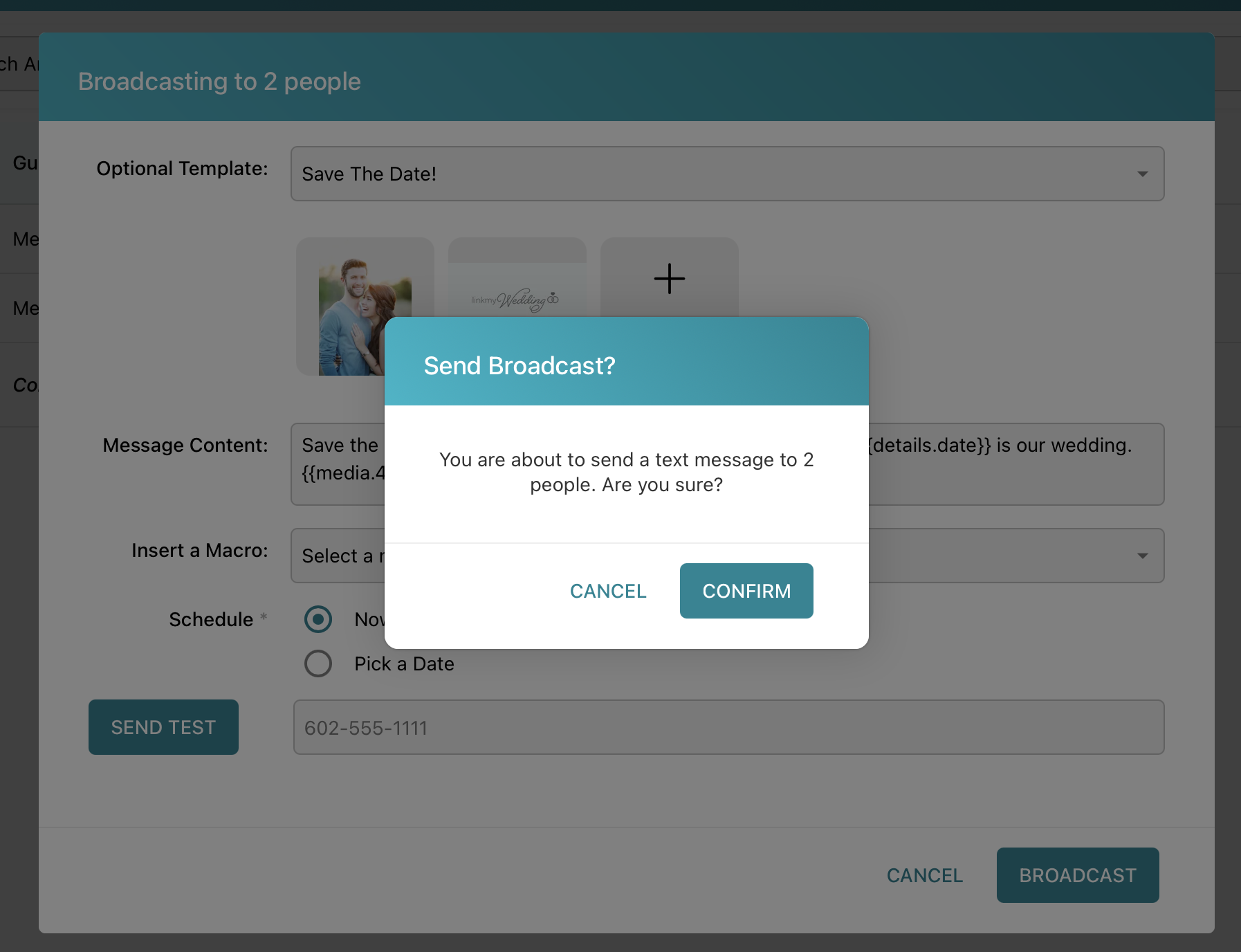
Fill out the details of the broadcast window. Include an image if you’d like. Then click the Broadcast button to send.

After clicking the Broadcast button, you’ll be asked to confirm your intentions. This is just an extra step to ensure you mean to send to the folks you’d like to.

Once the broadcast has been sent, copies will be included in the Conversations panel for each recipient.
